Blind Line & College Ave
Orangeville, Ontario

Laptops take a beating — dropped, spilled on, run hot in a backpack. Bring yours to Coolshrimp Modz in Orangeville and we'll tell you for free what's wrong and what it costs to fix. HP, Dell, Lenovo, ASUS, Acer, MacBook, Surface and more.
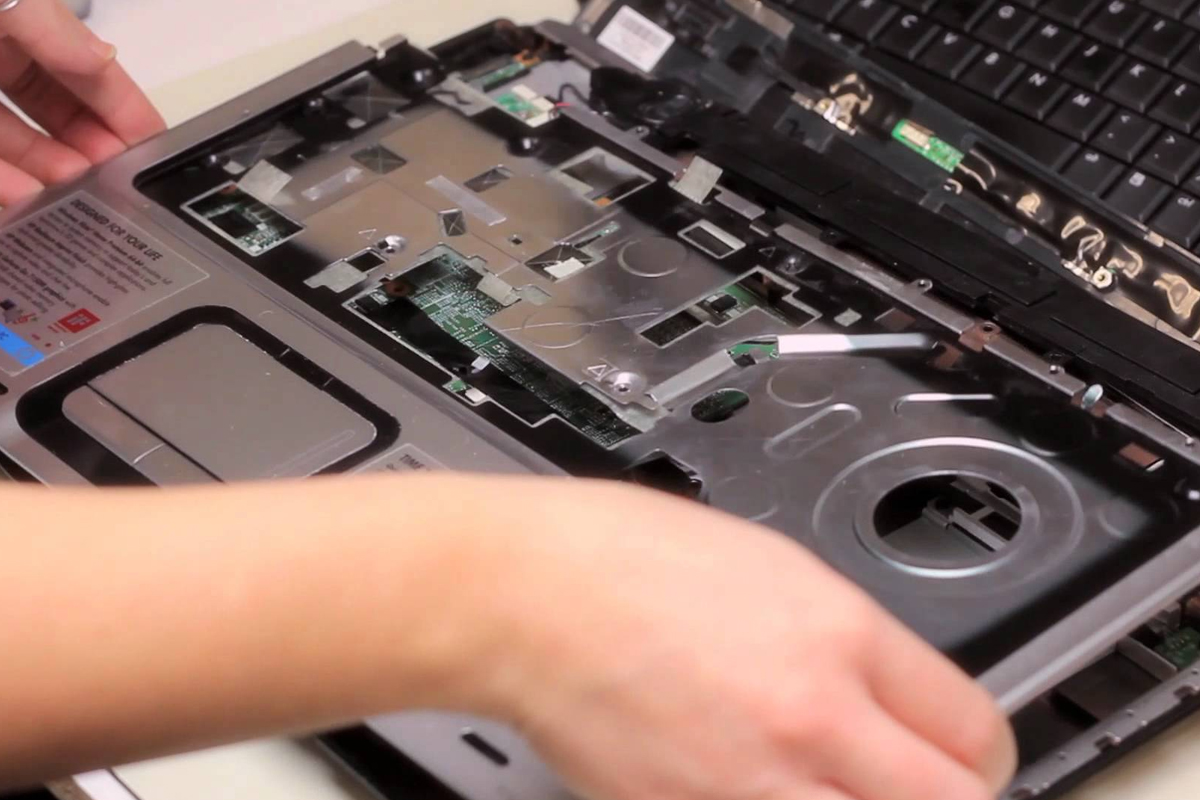
Not sure what's wrong? That's fine — bring it in and we'll figure it out for free.
Nothing happens when you press power, or the light blinks and it shuts off. Battery, charger, DC jack or board — we narrow it down.
Cracked glass, black blotches, lines, flicker or a dim panel. Most screens are a straightforward replacement quoted per model.
"Plugged in, not charging", only charges at an angle, or the port is loose. Could be the adapter, the port or the battery.
Dies in an hour, shuts off at 30%, or the trackpad is lifting because the battery has swollen. Replace it before it damages the case.
Sticky keys, missing keycaps, keys that type twice, or a trackpad that won't click. Keyboards replaced, trackpads diagnosed.
Loud fan, hot underside, throttling or random shutdowns. Cleaned out, re-pasted, and fans replaced if they're worn.
Coffee, water, juice. Power it off, don't charge it, and get it in quickly — we assess the board and go data-first.
Save the data firstFive minutes to boot and everything lags. Usually a spinning hard drive that an SSD upgrade cures, sometimes RAM or malware.
SSD upgradeBoot loops, update failures, blue screens, "preparing automatic repair" forever. Fixed or reinstalled with your files kept.
Price listYou always get a price before any work starts. Listed prices are labour starting points — parts are quoted per model.
We tell you what's wrong and what it will cost before any work. No fix, no fee.
Panel matched to your exact model and resolution. Quoted with part cost up front.
New battery fitted, old one disposed of properly. Swollen batteries handled safely.
Full keyboard or top-case swap depending on the model.
Port cleaning, re-soldering or replacement so it charges without wiggling the cable.
Dust removed, fresh thermal paste, fans checked. Great for older gaming laptops.
Old hard drive cloned to a fast SSD so everything stays exactly where it was. RAM added where the laptop allows.
Clean install, drivers, updates. Data backed up first on request.
Move everything from the old laptop to the new one, or copy files to a USB drive.
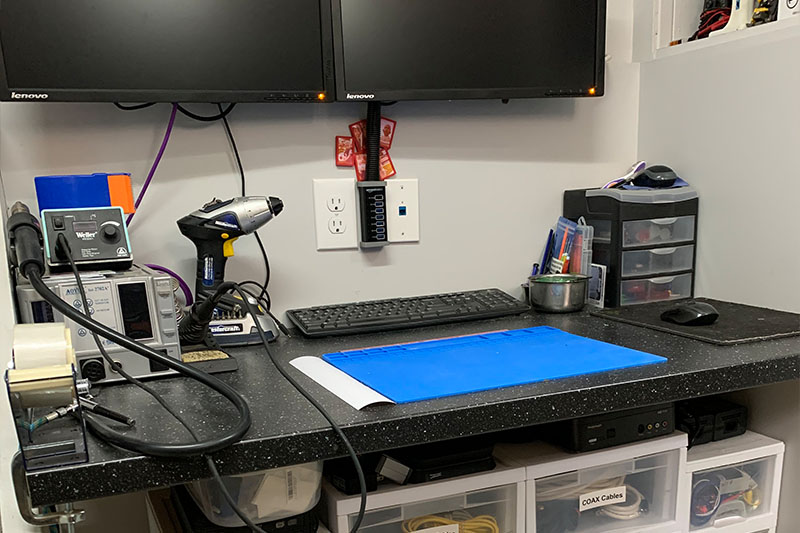
We never charge for diagnostics. If we can't fix it, you don't pay — and we'll tell you honestly when something isn't worth fixing.
We're not a walk-in storefront — you book a dedicated drop-off time, so there's no waiting at a counter and your device gets full attention.
Text, email or message us to arrange a drop-off time in Orangeville.
Bring the device (and charger, if it has one) at the arranged time.
We inspect it and pin down the likely issue — no charge to look.
You get the repair options and cost before any work starts.
We arrange a pickup time once it's done. No fix, no fee.
Book › Drop Off › Free Diagnosis › Approve › Pick Up
A couple of things make the diagnosis faster and the quote more accurate.
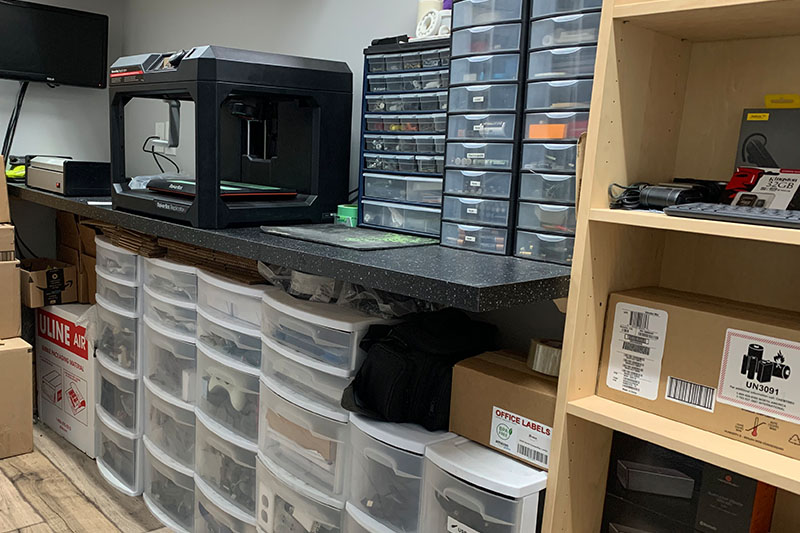
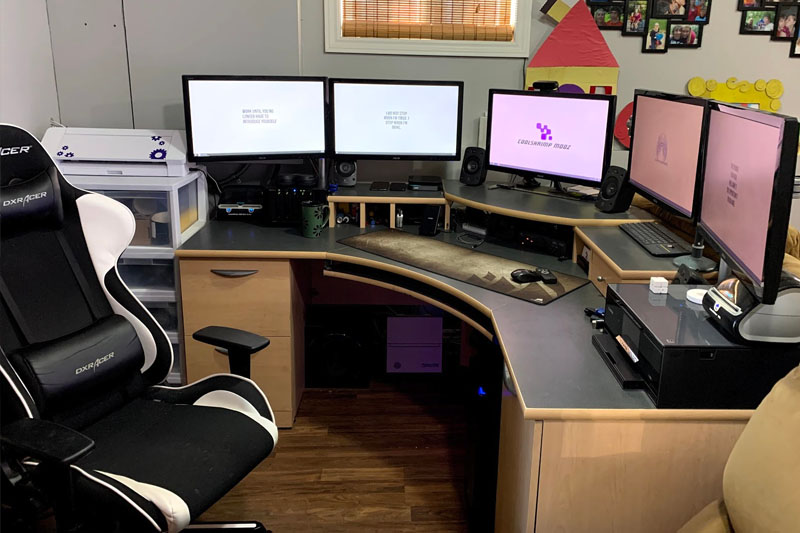
Every item we sell is tested on our bench and comes with a 5-day exchange if defective. Live listings update as batches sell through.
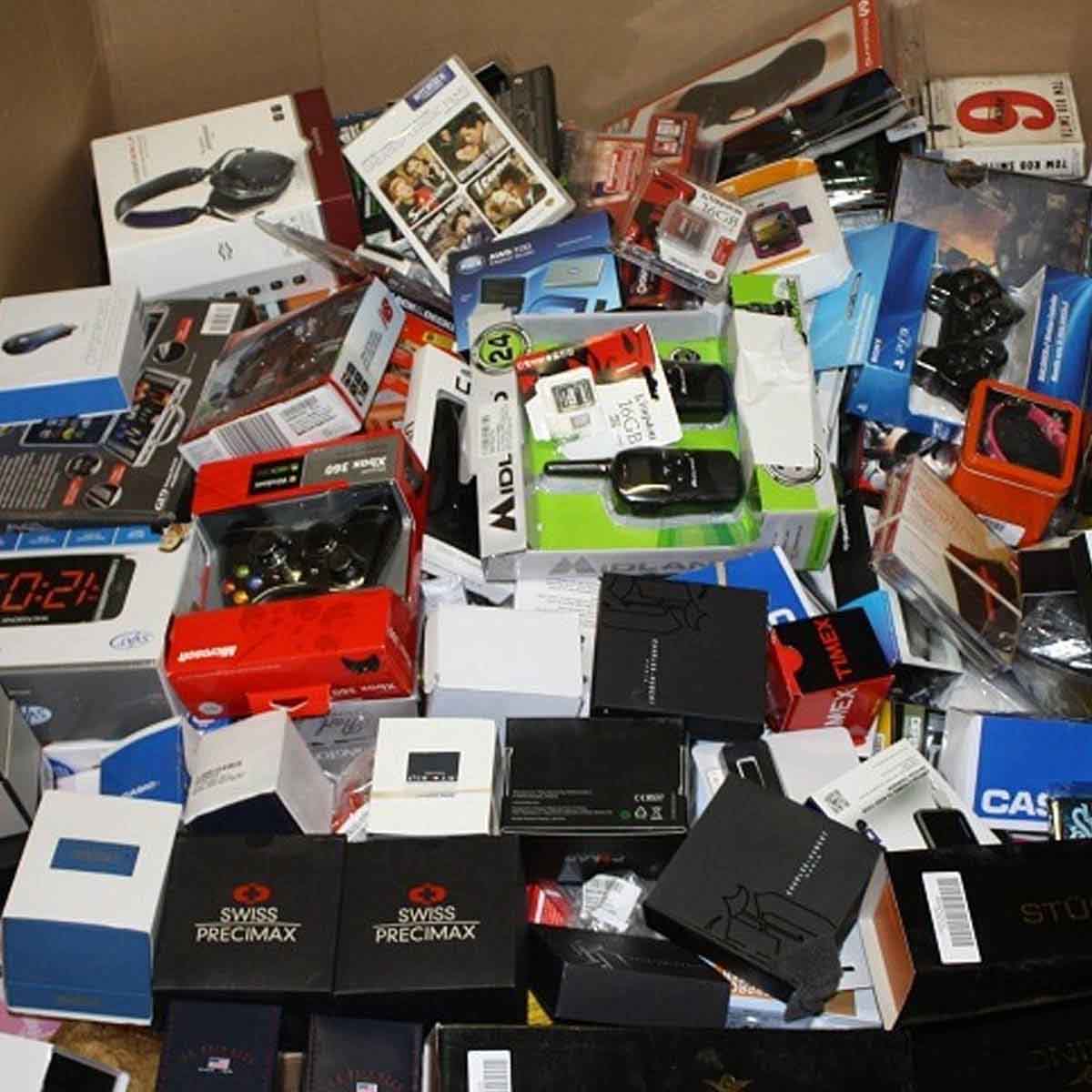
Tested laptops with a fresh Windows setup — a solid option if yours isn't worth repairing.
View laptops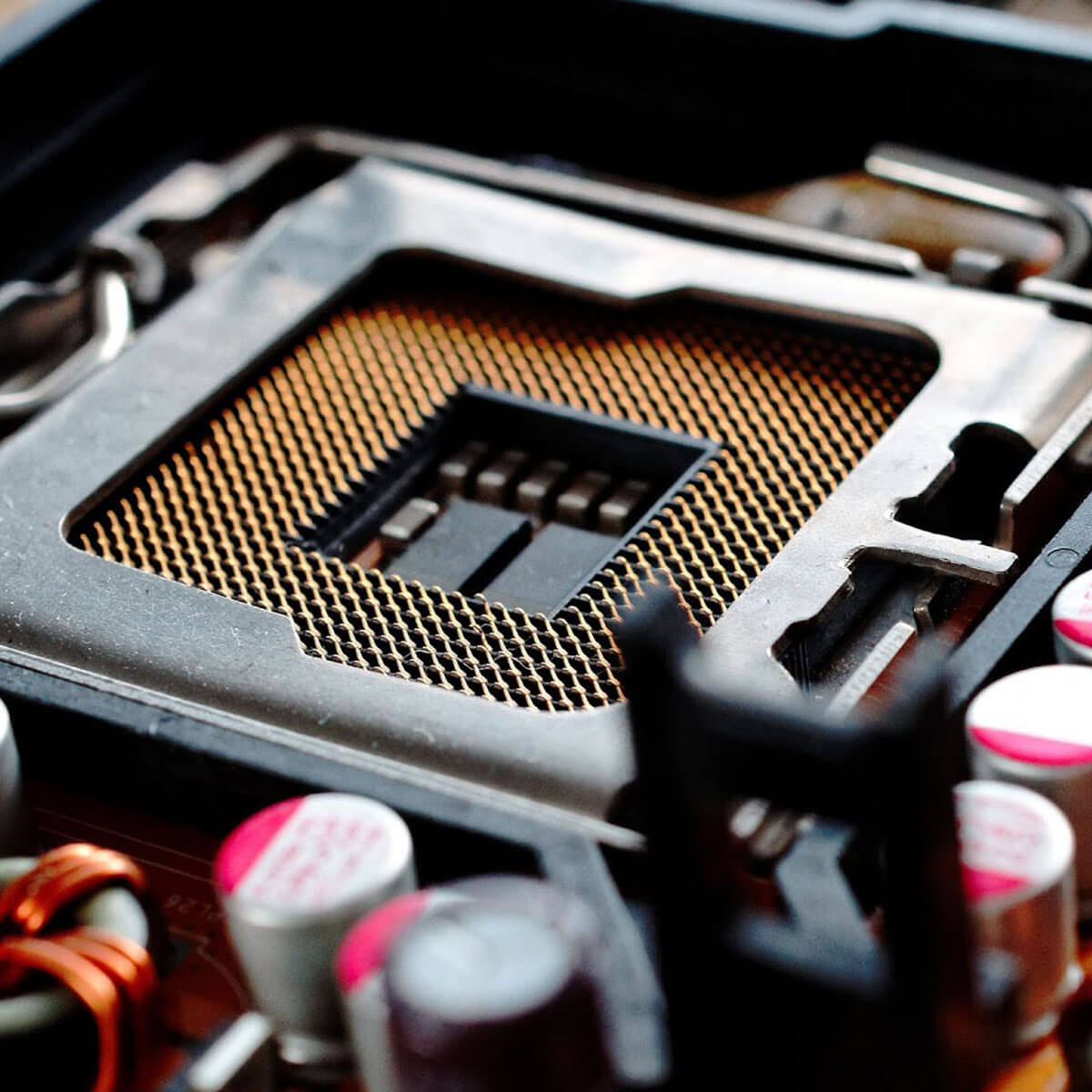
SSDs, RAM, chargers and other tested parts available locally.
View partsAvailable for local pickup in Orangeville by appointment.
Real questions we get from Orangeville customers. Have another one? Just text us.
Coolshrimp Modz · Orangeville, Ontario
Everything is handled in-house by the same person, so it's easy to combine jobs.
Book a drop-off in Orangeville. Free diagnosis, a clear price before any work, and no fee if we can't fix it.

Sign up and get notification about new services, promotions and sales.
