Blind Line & College Ave
Orangeville, Ontario

Desktop or laptop acting up? Coolshrimp Modz is a local, one-person repair shop in Orangeville. You book a drop-off time, we diagnose it for free, and you get a straight answer on whether it's worth fixing before a dollar is spent. Windows and Mac, custom builds, older machines — bring it in.
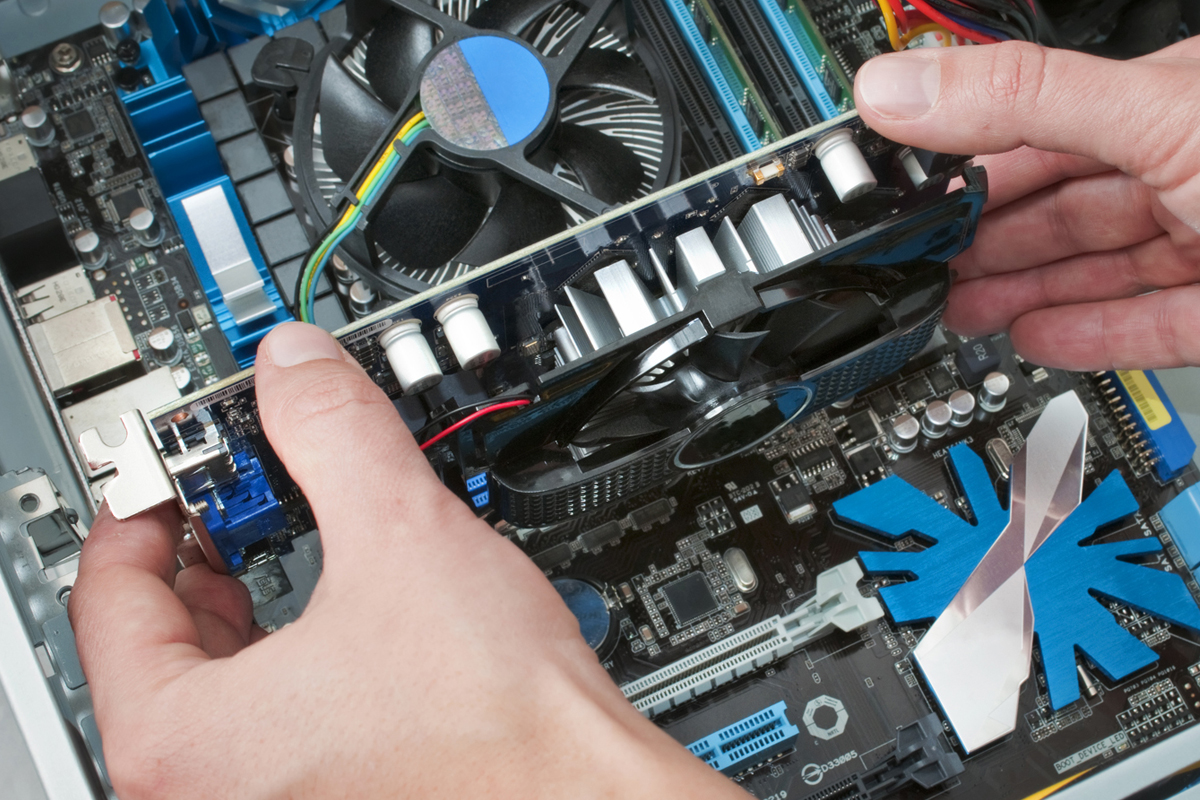
Not sure what's wrong? That's fine — bring it in and we'll figure it out for free.
No lights, no fans, or it powers on and then dies. Usually a power supply, board or charging issue — we find out which.
Takes forever to boot, hangs on simple tasks, or the disk sits at 100%. Often fixed with an SSD, more RAM or a clean-up.
Upgrade optionsFake warnings, browser hijacks, ransomware notes or programs you didn't install. Cleaned properly, not just masked.
Blue screens, boot loops, failed updates, stuck on the logo, or "no bootable device". Repaired or reinstalled with your files kept where possible.
Loud fans, sudden shutdowns under load, or a laptop too hot to hold. Cleaning, new thermal paste and fan replacement.
Cooling serviceClicking, "disk read error", files going missing. We check the drive health, get your data off it, and replace it.
Data recoveryLaptop charging port worn out, USB ports dead, DC jack loose. Component-level fixes where practical.
Cracked laptop screen, flickering, no picture, or lines on the display. Screens replaced; graphics issues diagnosed.
Laptop screensWon't connect, keeps dropping, or a printer that refuses to show up. Sorted on the bench or remotely.
Network helpThese are labour starting points from our service price list — the exact total is confirmed before any work starts. Parts are quoted per model.
We figure out what's actually wrong and give you options with prices. No charge to look, and if we can't fix it there's no fee.
SSD, RAM, graphics card, power supply, Wi-Fi card, printers, Office — installed and set up properly.
Clean install of the Windows version you want, drivers loaded, updates done. Your data backed up first if you need it.
Full clean-up, browser reset, and protection set up so it doesn't come straight back. Quoted after the free look.
Replacement parts quoted per model. We tell you the part cost and the labour up front.
Move everything to a new machine or copy your files to a drive before a repair or reinstall.
For software problems we can often fix it over the internet without you leaving home.
Gaming or work PCs built to a budget, or an older machine brought back up to speed.
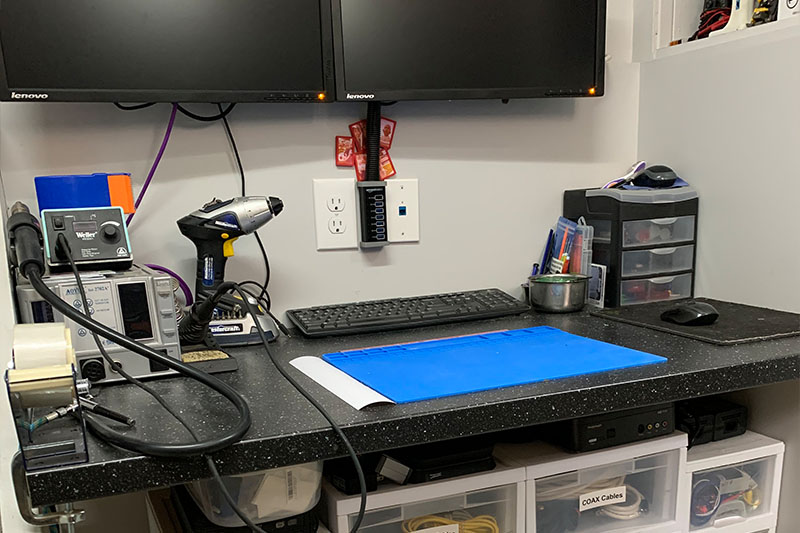
We never charge for diagnostics. If we can't fix it, you don't pay — and we'll tell you honestly when something isn't worth fixing.
We're not a walk-in storefront — you book a dedicated drop-off time, so there's no waiting at a counter and your device gets full attention.
Text, email or message us to arrange a drop-off time in Orangeville.
Bring the device (and charger, if it has one) at the arranged time.
We inspect it and pin down the likely issue — no charge to look.
You get the repair options and cost before any work starts.
We arrange a pickup time once it's done. No fix, no fee.
Book › Drop Off › Free Diagnosis › Approve › Pick Up
A couple of things make the diagnosis faster and the quote more accurate.
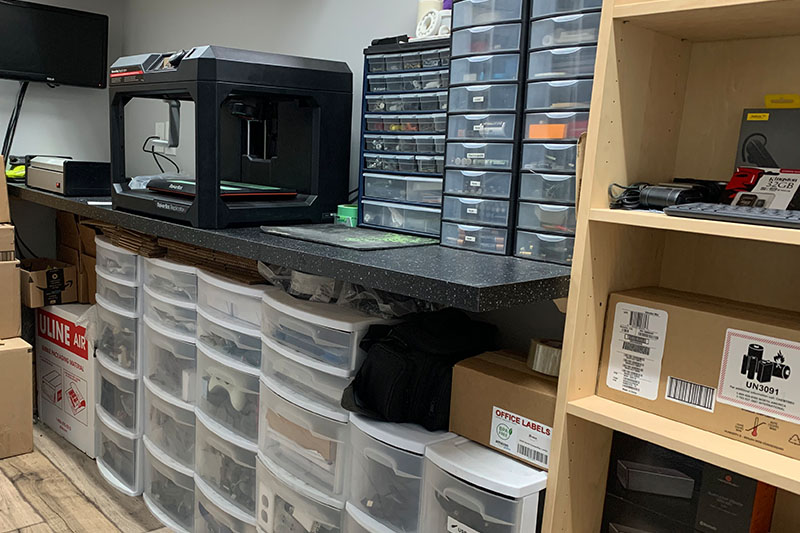
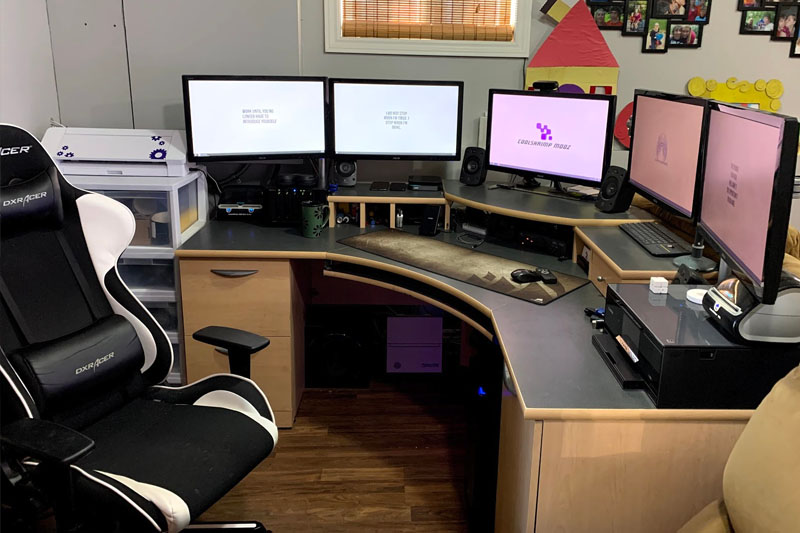
Every item we sell is tested on our bench and comes with a 5-day exchange if defective. Live listings update as batches sell through.
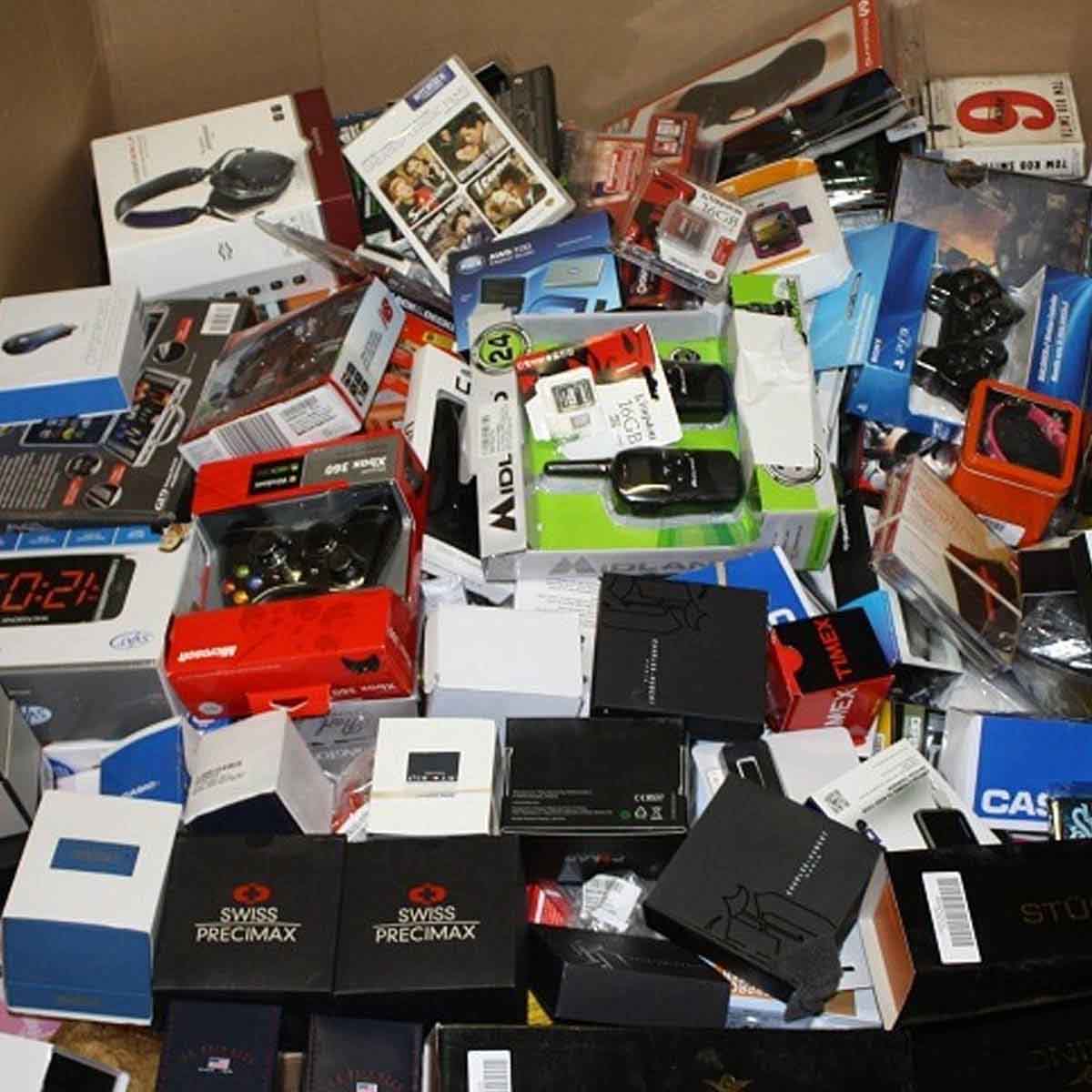
Tested desktops and laptops, freshly set up, ready to go. A good option when a repair isn't worth it.
View systems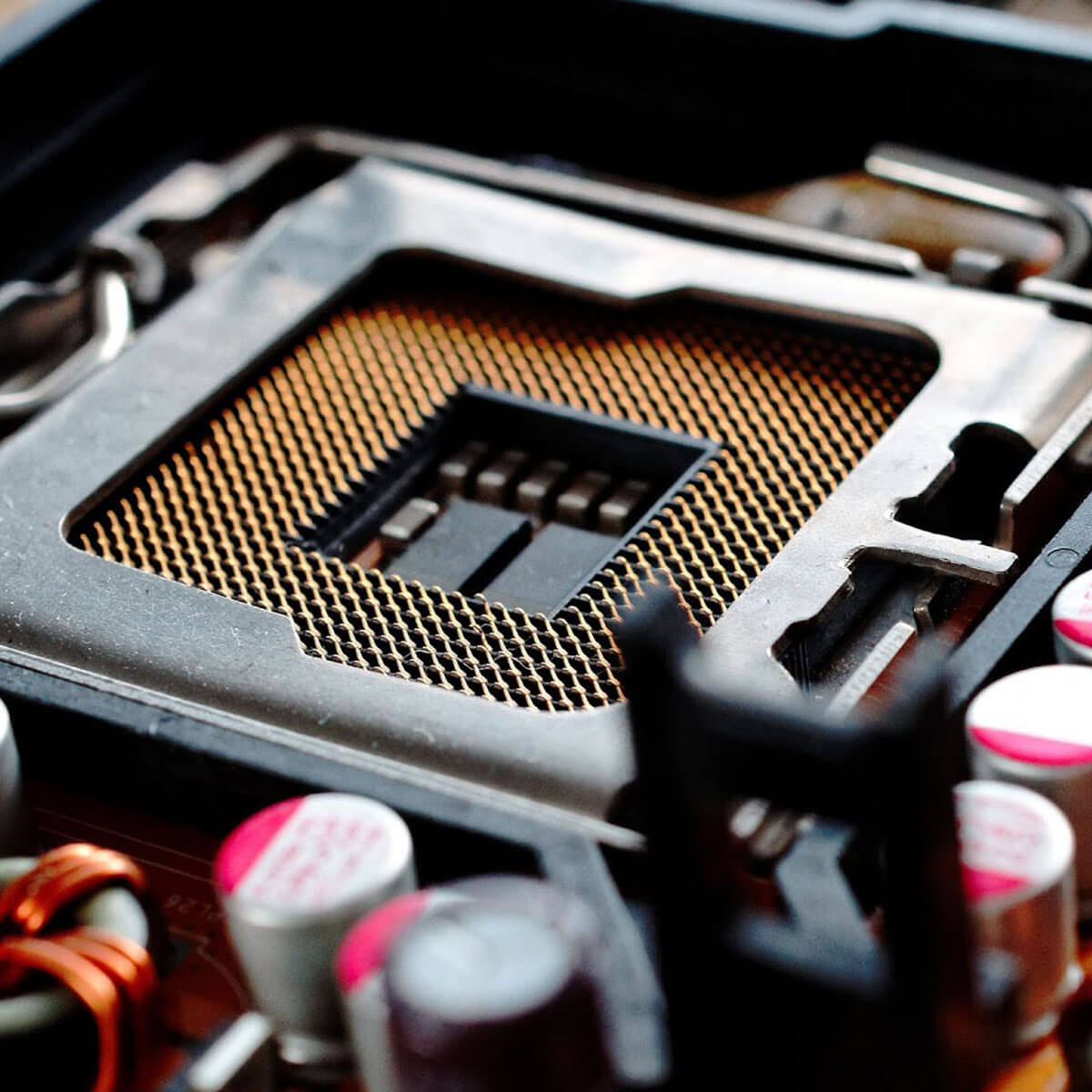
We keep tested SSDs, RAM, power supplies and other popular parts on hand locally.
View current inventory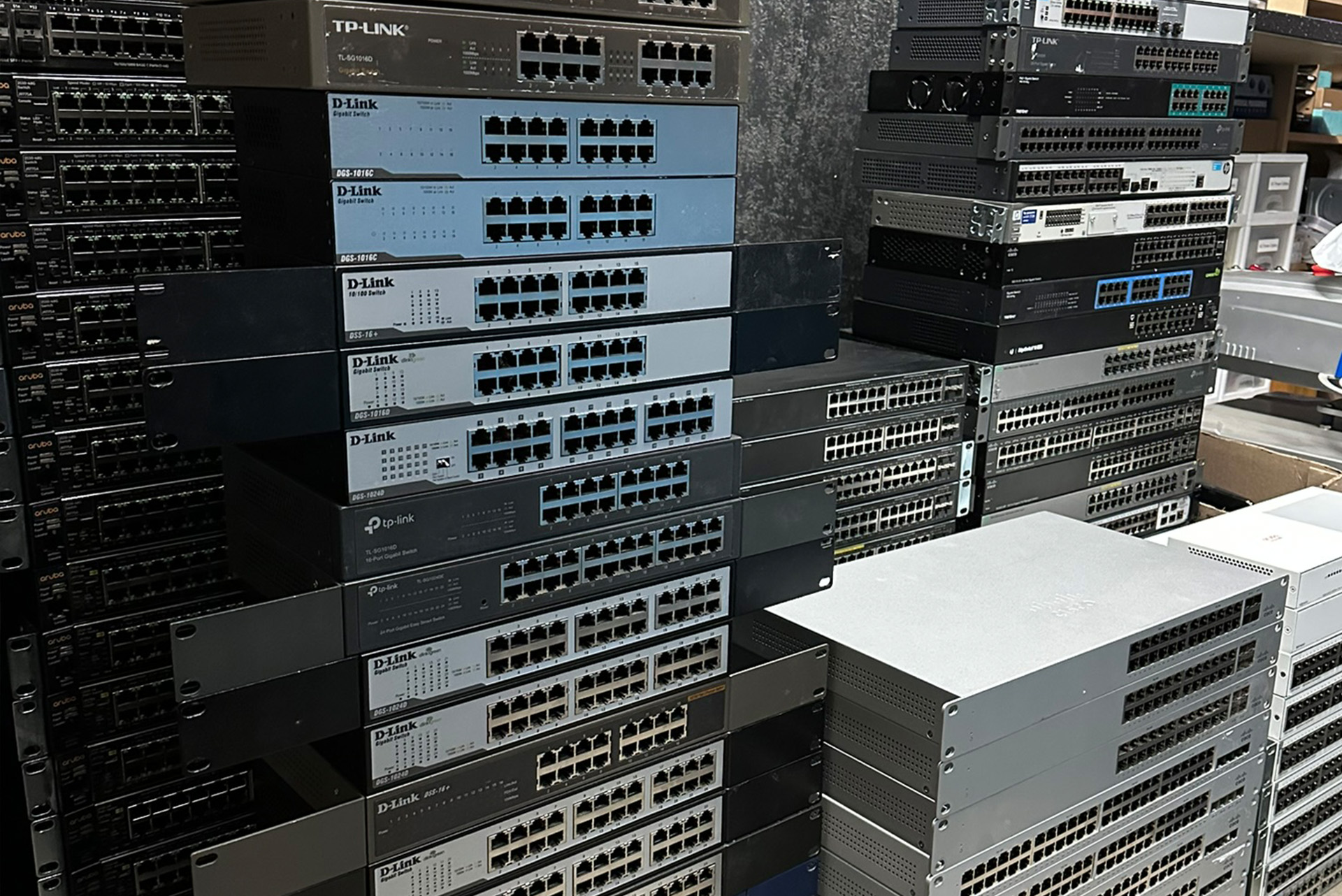
Switches, access points and small-office gear, tested and priced to move.
View network gearAvailable for local pickup in Orangeville by appointment.
Real questions we get from Orangeville customers. Have another one? Just text us.
Coolshrimp Modz · Orangeville, Ontario
“Orangeville gains specialized electronics repair business offering hard-to-find technical services.” Read the article
Everything is handled in-house by the same person, so it's easy to combine jobs.
Book a drop-off in Orangeville. Free diagnosis, a clear price before any work, and no fee if we can't fix it.

Sign up and get notification about new services, promotions and sales.
