Blind Line & College Ave
Orangeville, Ontario

Computer won't boot and the photos are on it? Drive clicking? Deleted the wrong folder? Stop using the device and bring it to Coolshrimp Modz in Orangeville. We assess it for free, tell you honestly what's recoverable, and never charge for what we can't get back.
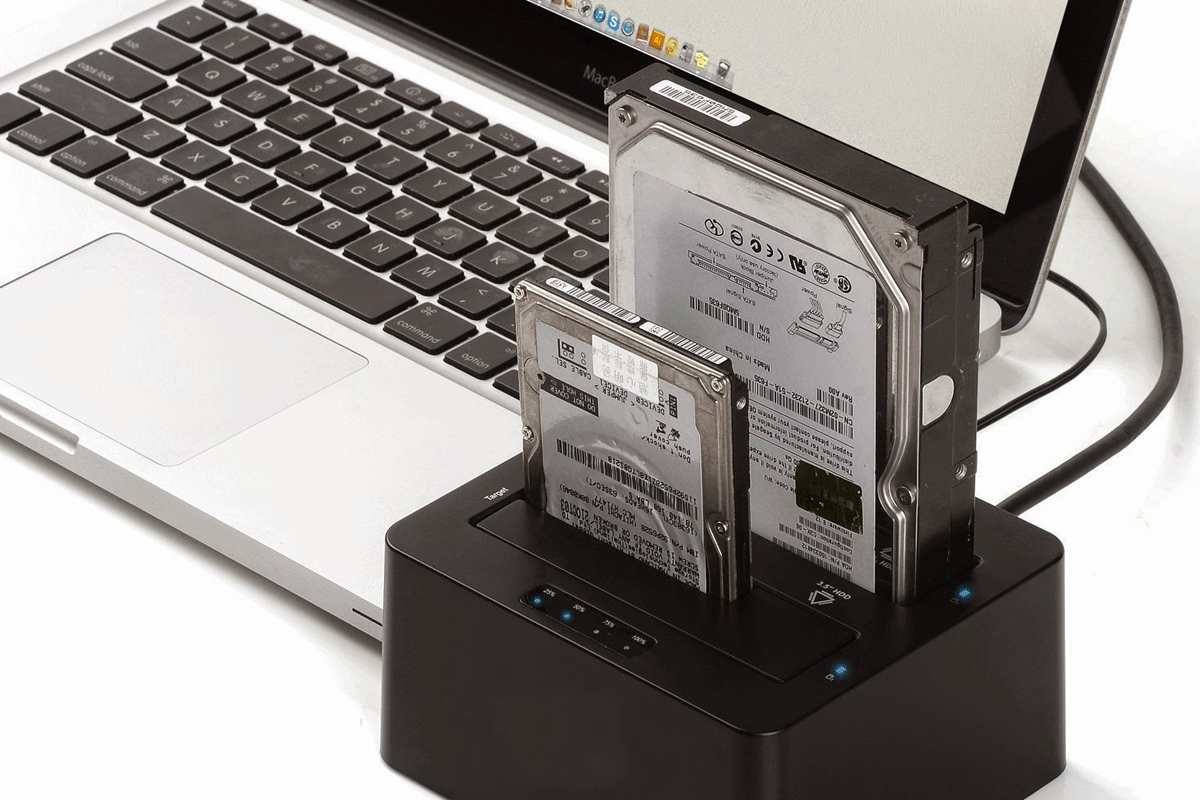
The golden rule: the less the device runs after the problem starts, the better the odds. Power it off and bring it in.
Laptop won't turn on, screen smashed, liquid damage. We pull the drive and recover your files even if the computer is a write-off.
Computer repairClicking, very slow, "disk read error", drive not showing up. Imaged carefully before anything else is attempted.
Emptied the recycle bin, formatted the wrong drive, or a Windows reinstall wiped the files. Often recoverable if the drive hasn't been written to since.
SD cards from cameras and phones, USB drives that say "please insert a disk" or ask to be formatted.
Data off a dead or damaged phone where possible, and backups from iCloud, Google or local copies restored to a new device.
Phone repairDropped external drives, dead enclosures, drives that spin but don't appear.
Encrypted or corrupted files. We assess what's salvageable and get a clean backup in place afterwards.
Malware removalOld computer to new, old phone to new. Files, photos, contacts and settings moved over and verified.
All data servicesAssessment is always free. Common transfer and backup jobs are flat-rate; recovery from damaged media is quoted after the free assessment based on the work involved.
We check the drive or device, tell you what's recoverable and give you a price. No recovery, no charge.
Everything moved to your new computer or phone so it feels like home from the first login.
Photos and files copied to a USB drive or disk you keep, organized and verified.
iCloud, Google or local backup restored onto a repaired or replacement device.
From failing drives, dead computers, deleted files and memory cards. Quoted after assessment.
Clone a dying drive to a new one before it fails, with a SMART health report.
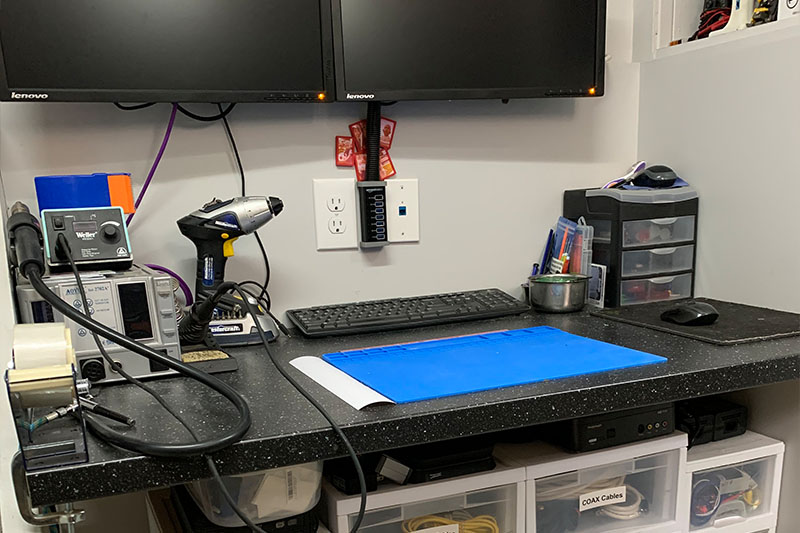
We never charge for diagnostics. If we can't fix it, you don't pay — and we'll tell you honestly when something isn't worth fixing.
We're not a walk-in storefront — you book a dedicated drop-off time, so there's no waiting at a counter and your device gets full attention.
Text, email or message us to arrange a drop-off time in Orangeville.
Bring the device (and charger, if it has one) at the arranged time.
We inspect it and pin down the likely issue — no charge to look.
You get the repair options and cost before any work starts.
We arrange a pickup time once it's done. No fix, no fee.
Book › Drop Off › Free Diagnosis › Approve › Pick Up
A couple of things make the diagnosis faster and the quote more accurate.
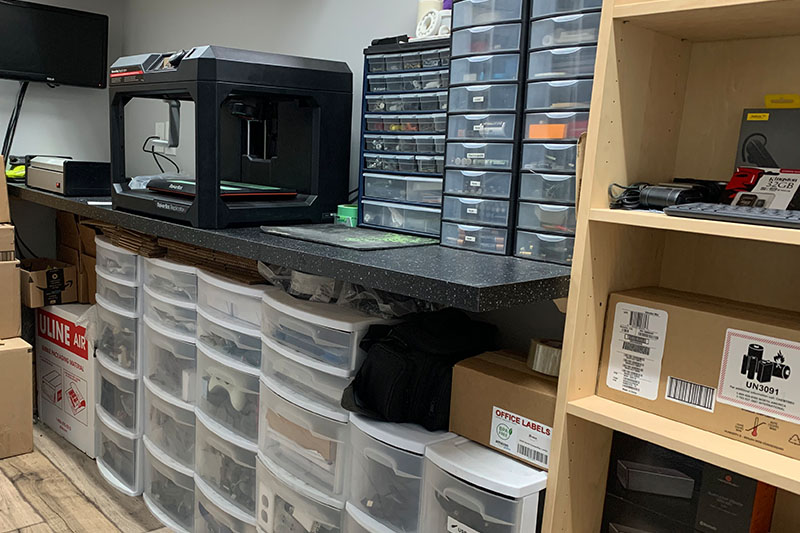
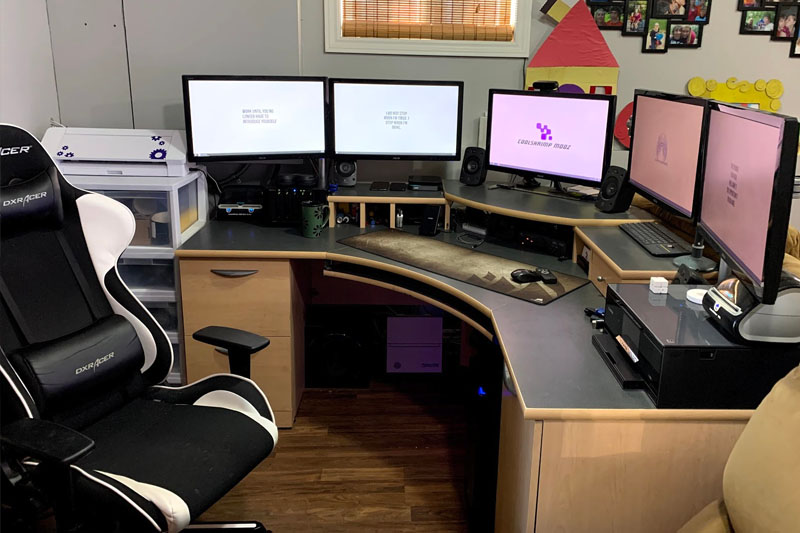
Every item we sell is tested on our bench and comes with a 5-day exchange if defective. Live listings update as batches sell through.
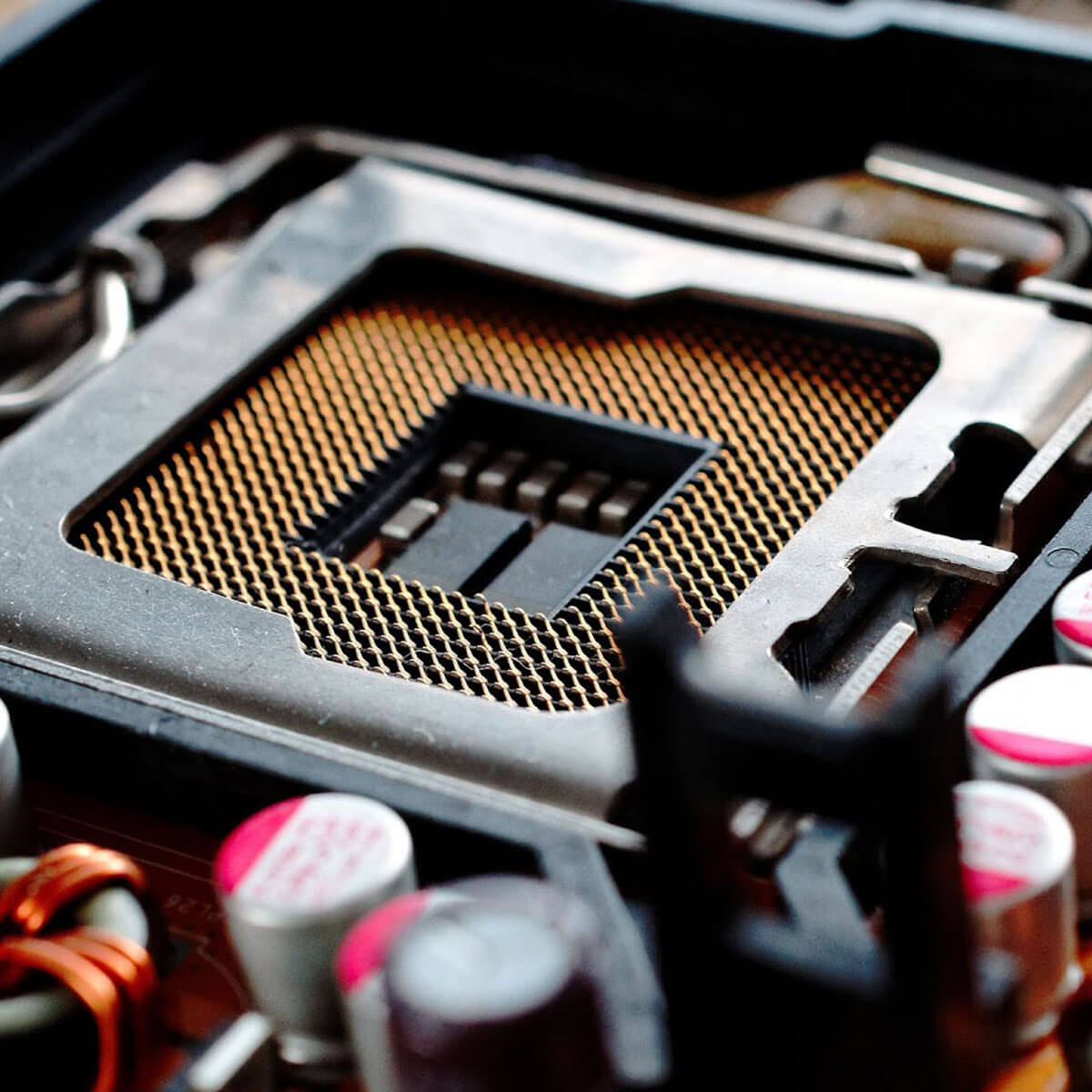
Tested SSDs and hard drives in stock locally for a fresh start after a failure.
View drives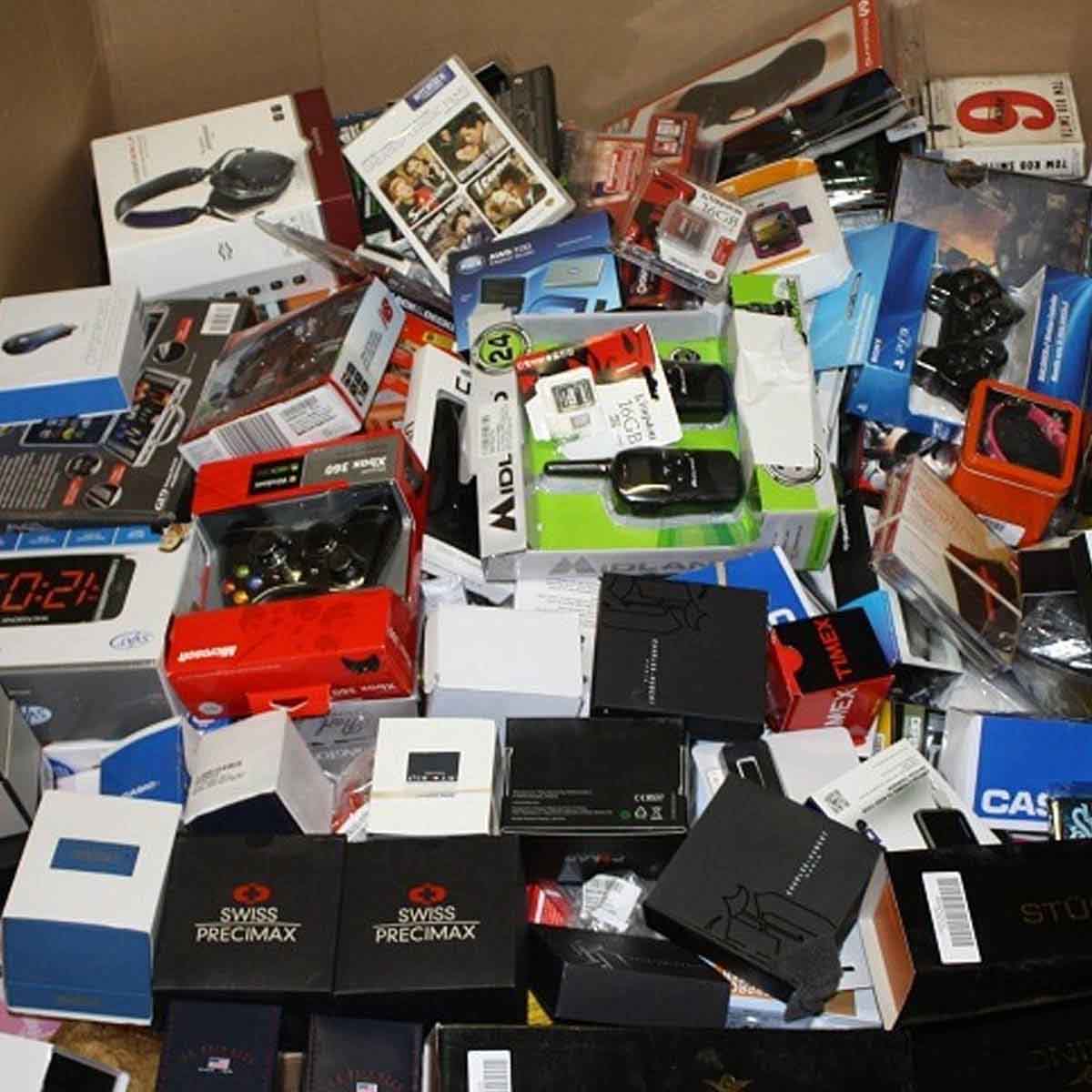
If the old machine isn't coming back, we'll move your recovered data onto a tested replacement.
View systemsAvailable for local pickup in Orangeville by appointment.
Real questions we get from Orangeville customers. Have another one? Just text us.
Coolshrimp Modz · Orangeville, Ontario
Everything is handled in-house by the same person, so it's easy to combine jobs.
Power it off and book a drop-off in Orangeville. Free assessment, honest odds, no charge if nothing comes back.

Sign up and get notification about new services, promotions and sales.
